
 English
 Deutsch
e-Learning products for ABAP® …
The theory representation in programming courses (syntax notation, functional explanations and so forth) sometimes leads to a dry and sober lecture on the corresponding programming manual.
Our new philosophy to learn ABAP:
You learn the theory in short text sections in order then to proceed report examples. You follow the program flow, observe the changes of the variable contents, debug forward and backwards.
.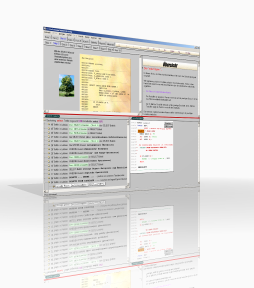 |
CT-Professional_100+Help (Version 2.2)The interactive e-Learning system for ABAP connects theory with the practical side by way of a real-time coupling to an SAP® system. The course suite “CT-Professional_100+Help”contains 6 single courses on the subject ABAP programming. Here you get a very detailed description The ABAP course is for beginner, advanced and retraining users coming from other programming languages like Cobol or Pascal. According to our information there is currently no comparable teaching program on the market with this extension and this form of ABAP program processing. More Information ... |
.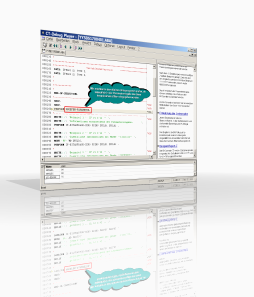 |
CT-Understanding_100 (Version 2.1)Practice oriented ABAP e-Learning course through a unique debug simulation of 520 ABAP programs. With the CT-Debug_Simulator it is now possible to gather ABAP practice without having direct contact to an SAP system. That means you can use the courses at the work place or alternatively at home. After finishing the courses you are able to work faster and more effectively with the ABAP language in a real SAP system. The ‘CT-Understanding_100’ contains 5 single courses with more than 150 course hours. As a lexicon with several volumes, the knowledge is successively built up in the several “Understanding ABAP” courses. For every language element there are syntax checked executable report examples available (approx. 520 in total). Short text sections for the theory and the CT-Debug_Simulator for practice from the basis of the courses. Write small ABAP programs after a short time with a few but appropriate commands … More Information ... |