| |
The 9 software assistants
Continuous live support during ABAP™ program development process with 9 background software assistants that feature more than 120 functions. "Software assistants" is our term for special "ABAP™ code completion" features.
Depending on the cursor's current position within the ABAP™ source code, these software assistants offer additional information, context details, trees, sub windows, overviews etc. to support the user.
Live analysis of the current source code and selection of suitable code completion suggestions are carried out within milliseconds. While the user is "typing", the software assistants are busy carrying out the following tasks (among other things):
- Registering and filtering of input data,
- Understanding/parsing the ABAP™ syntax,
- Separating ABAP™ statements and variables,
- Suggesting complete variable names (after typing 2-3 letters),
- Continuously improving the statistic of often used ABAP™ statements to make individual command suggestions
- ...
| 1. Data_Assistant |
|
|
Long, informative variable names improve the readability of a program. Such names reduce the time a new team member needs to understand the program.
But is it time consuming and annoying to type in these long variable names again and again ? No!
 |
DATA_Assistant reduces "typing" considerably. After typing in 2 or 3 letters of a variable name, a tool tip will show you the complete name which can then easily be inserted via the TAB key. |
|
|

Start movie (Java script required)... |
| 2. Command_Assistant |
Aan ABAP™ command's keyword often provides enough information to "suggest" the rest of a command automatically.
Why would you want to type in the whole command sequence?
The first 2 or 3 letters of an ABAP™ command are enough. Our dynamic command assistant will show you the remaining commands add-ons. Via TAB key or a mouse click you can easily insert the suggested commands (one step procedure). Approx. 3,500 ABAP™ commands and their variants / extras are available within the command assistant. |
|
|

Start movie (Java script required)... |
| 3. Object_Assistant |
How are you currently being assisted with the entry of ABAP™ objects commands ?
Do you use the advantages of code completion windows and tool tips ?
The object assistant provides code completion for important ABAP™ Objects language elements. The creation of object instances, the call of object methods, the declaration of object instance variables will all be simplified by the Object_Assistant.
An integrated edit mode makes it possible to work with an ABAP™ Objects class in a entirely new, convenient way . |
|
|

Full screen... |
| 4. Browser_Assistant |
|
|
You want to quickly search through a complete list of all declared symbols (variables, internal tables, structures ...), because you have forgotten the exact name of an important variable ?
You only can remember a part of the name?
No problem for the Browser_Assistant. A variety of search algorithms and sort option make it possible to find a certain variable in a short time. One click and you can transfer the variable name into the code or you can jump to the variables declaration.
|
|
|

Start movie (Java script required)... |
| 5. Template_Assistant |
|
|
Why would you want to type in frequently used command structures again and again?
More than 100 frequently used templates (written by experts) with approx. 600 lines of ABAP™ code are available. You can also build your own templates.
|
|
|

Start movie (Java script required)... |
| 6. Structure_Assistant |
|
|
Fields of a table or type structures are often used during daily programming tasks.
So why search for the exact field names in the DDIC (e.g. via double clicking) ?
The Structure_Assist helps you interactively:
If you type in a structure e.g. T024S- the Structure_Assist displays a pop up window with all available table fields in the structure (incl. type,name,description). With the TAB key you can insert the complete field name in one step. No additional typing is necessary.
|
|
|

Start movie (Java script required)... |
| 7. Info_Assistant |
|
|
While writing source code, you frequently need information about different program objects (global variables, FORM/PERFORM parameter, TYPES, LIKE, FIELD-SYMBOLS, INCLUDE etc.).
So why is this information not available "at your fingertips" ?
Simply move the mouse cursor onto an object name. The Info_Assist informs you about the program object via a context sensitively tool tip. Further object information is automatically shown in the object tree.
|
|
|

Start movie (Java script required)... |
| 8. Reference_Assistant |
|
|
The Reference_Assistant is a large, live ABAP™ command reference with more than 3,500 commands, variants and extras.
Where do you get live information about basic commands their available variants and extras now?
Available variants and extras are clearly listed in a tree. Furthermore we have analyzed numerous ABAP™ programs and have sorted the commands in this reference according to their practical use. As a result, common and often used commands are suggested first by the Reference_Assistant.
|
|
|

Start movie (Java script required)... |
| 9. Analyze_Assistant |
|
|
Are you presently able to compress your ABAP™ code via outline functions to get a quick overview of the program's structure?
The Analyze_Assistant has a variety of features useful for your daily programming tasks. First there is an outline function which allows you to expand/collapse source code parts. Syntax highlighting, a project tree, an integrated ABAP™ analyzer and a collection of standard reports/transactions are all available to make your programming tasks more convenient. Another highlight is the Automatic Live Replace functionality. Just mark a code block and start changing the name of a variable: instantly all other occurrences of this variable are also automatically changed.
|
|
|

Start movie (Java script required)... |
The CT-Assist_Module from the user viewpoint ...
Download link to the CT-Assist_Module Try-Out-Version (full featured, 15 day time limit)
Costs/benefit analysis (PDF) 
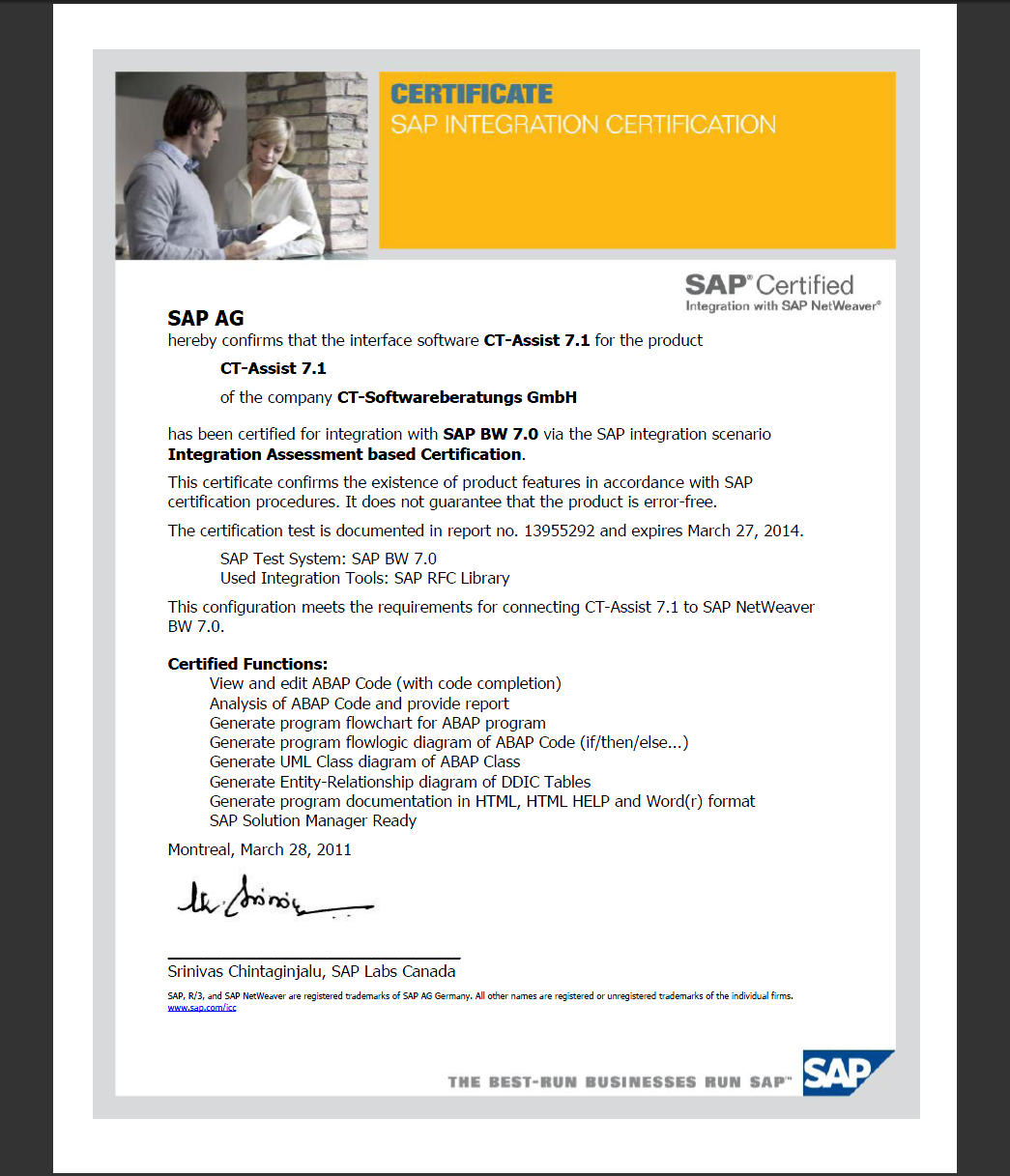
Technical details regarding the integration with SAP® R/3®, mySAP™ CRM, SAP BW®, SAP Netweaver™...
|
|
|