
 English
 Deutsch
Automated SAP® BW Documentation: Output Formats
The module CT-BW Analyzer&Docu supports you in the creation of analysis and documentation for SAP BW by providing output formats designed for different target groups (business areas, IT organization, IT programming, …).
For example, you can create Microsoft Word® documents for storing on the departmental drive or fully linked HTML webpages for displaying in the company intranet. In addition, the HTML Help format provides an integrated full text search function.
Documentation Output Formats of the CT-BW Analyzer & Docu …
The output formats that are currently available are briefly explained in the subsequent text:
1. Microsoft® Word – Format / RTF …
2. Zipped-Microsoft Word – Format / RTF …
3. HTML- Format – Intranet …
4. HTML-Help Format – Compact Help Format with Full Text Search …
1. Microsoft® Word – Format / RTF
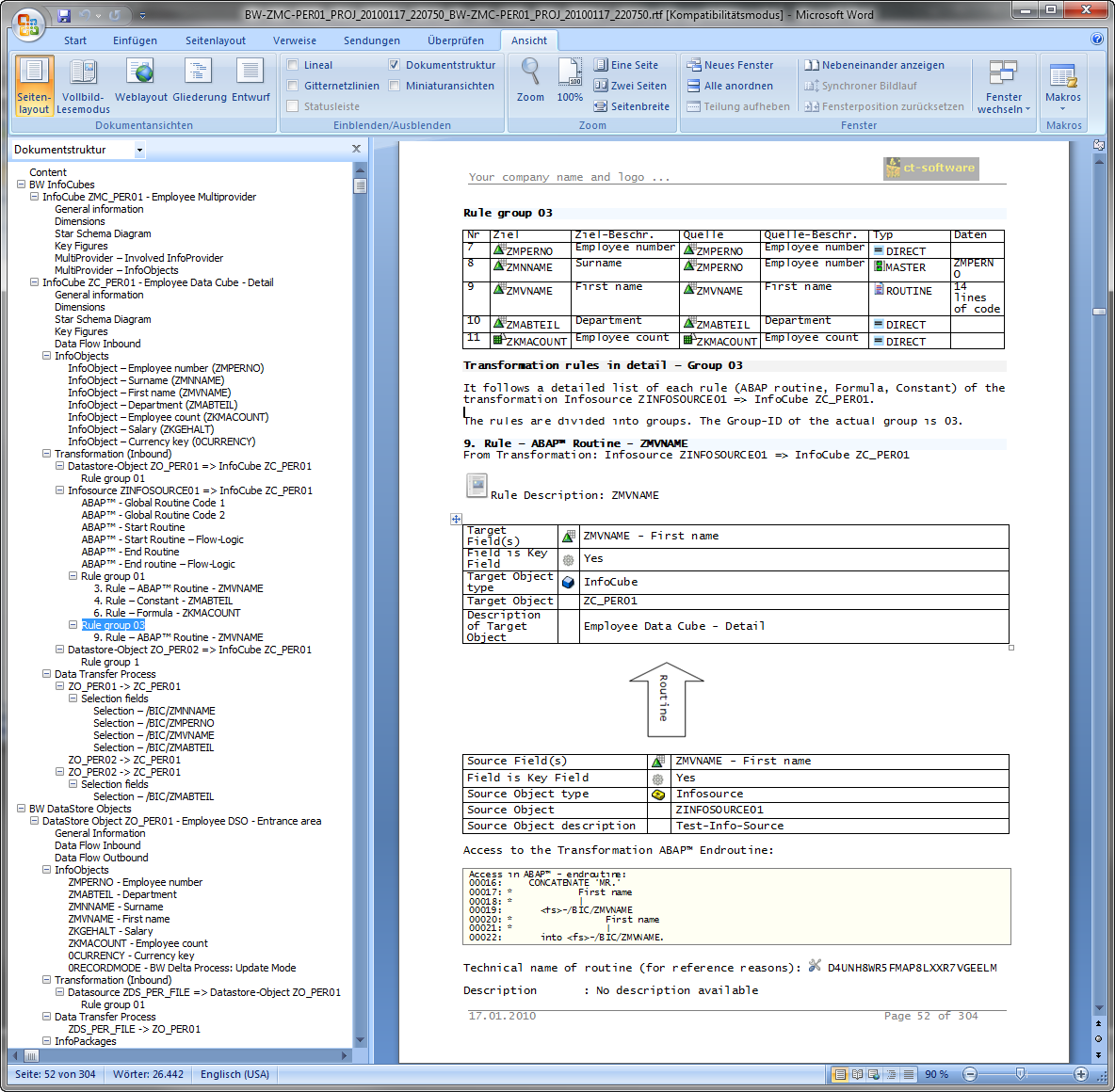
Output Format – Microsoft Word
The print output was optimized for this format. Information is formatted for the printed page. Where necessary, diagrams are formatted to extend over several pages.
The document that is generated can be further edited as required using Microsoft Word®. You can, for example, add remarks manually relating to certain BW objects for your technical documentation.
2. Zipped-Microsoft Word – Format / RTF
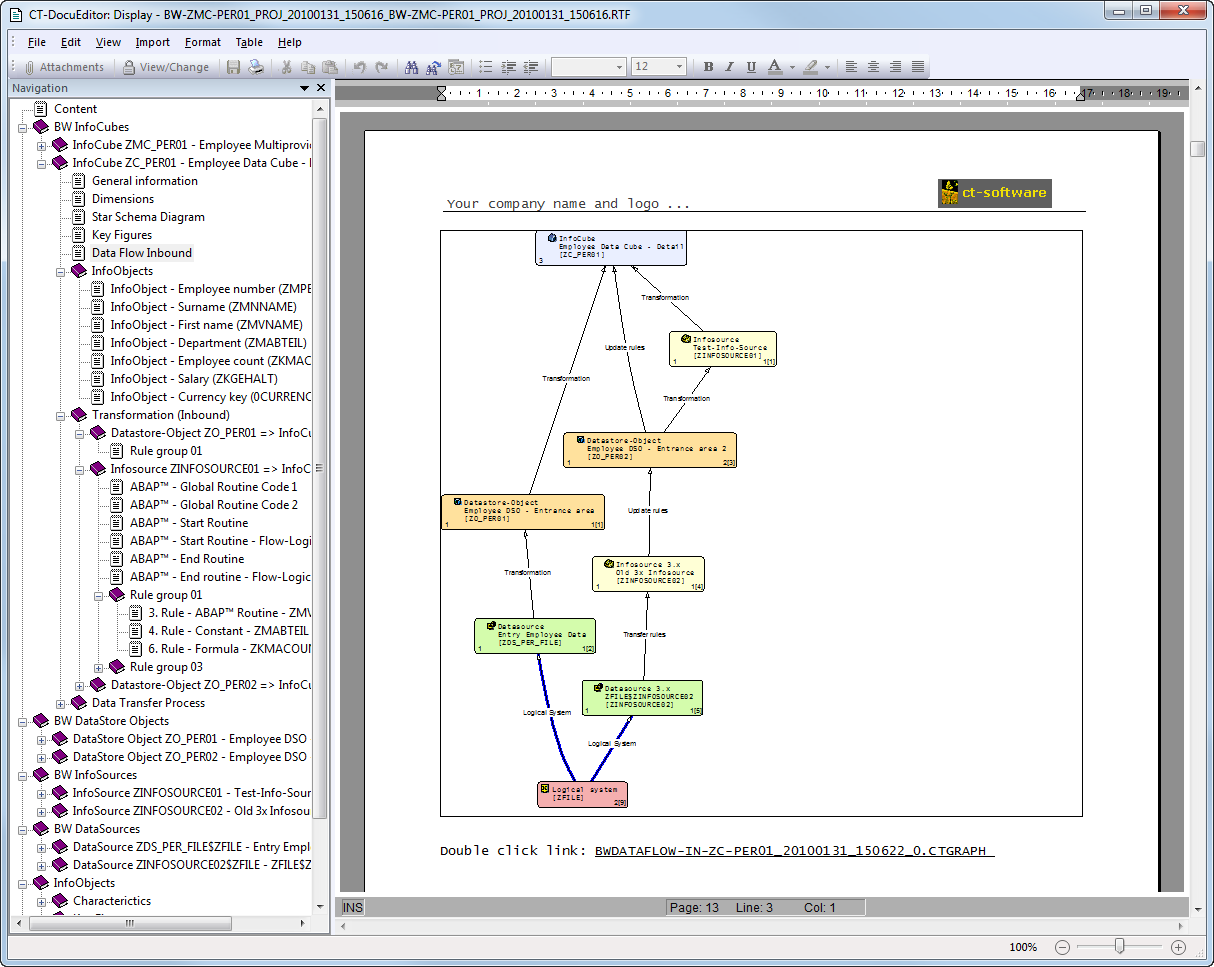
Output Format – Zipped Microsoft Word
Here too, the print output was optimized for this format. In addition to the Microsoft Word® file, the CT module generates a “zip-compatible archive” for storing other analysis objects.
For example, generated diagrams are available in CT Graph Assist format. When required, complex graphs or extensive diagrams can be displayed or their layout can be changed (e.g. pack/unpack diagram elements) directly in CT Graph Assist.
3. HTML- Format – Intranet

Output Format – Intranet (HTML)
This format can be displayed using conventional Internet browsers. The information is stored in the form of standard HTML files.
In addition, for improved navigation, an overview of all generated files is displayed as a tree structure. You can expand/compress this structure as required (standard JavaScript). This format is frequently made available to appropriate user groups in the company intranet.
Special feature: The individual pages are linked, making it possible to navigate interactively in the archived BW data model.
4. HTML Help Format – Compact Help Format with Full Text Search
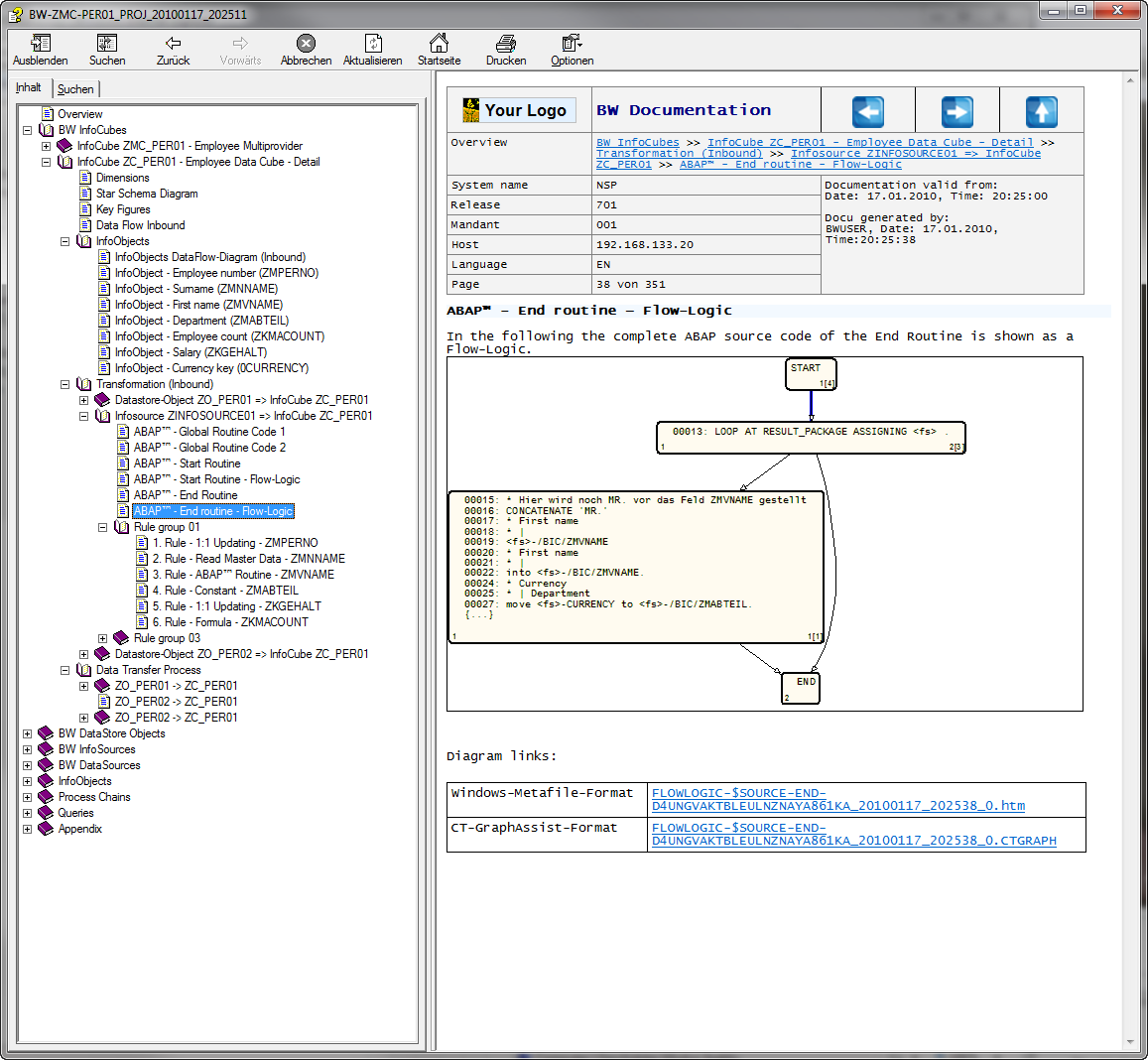
Output Format – HTML Help
The Microsoft HTML Help format can be displayed on any Windows PC (Windows 2000, XP, Vista).
It is Microsoft’s standard format for displaying general help information about programs. (The SAP online help is also available in this format.) The document structure is shown as a tree on the left-hand border.
Special features:
- Individual pages are linked. As a result, you can navigate interactively in the archived BI data model.
- All information is compressed into a single file (CHM format). The file can be displayed on any Windows PC. No additional programs are needed for this. BW data models extending over more than 5000 individual pages, for example, can be represented and stored on the central file server in a single file.
- The generation of the HTML help file is done directly by the CT module (with the help of the Microsoft® HTML Help compiler).
- The archive is fully indexed; a full text search is provided (AND/OR/NEAR/NOR)
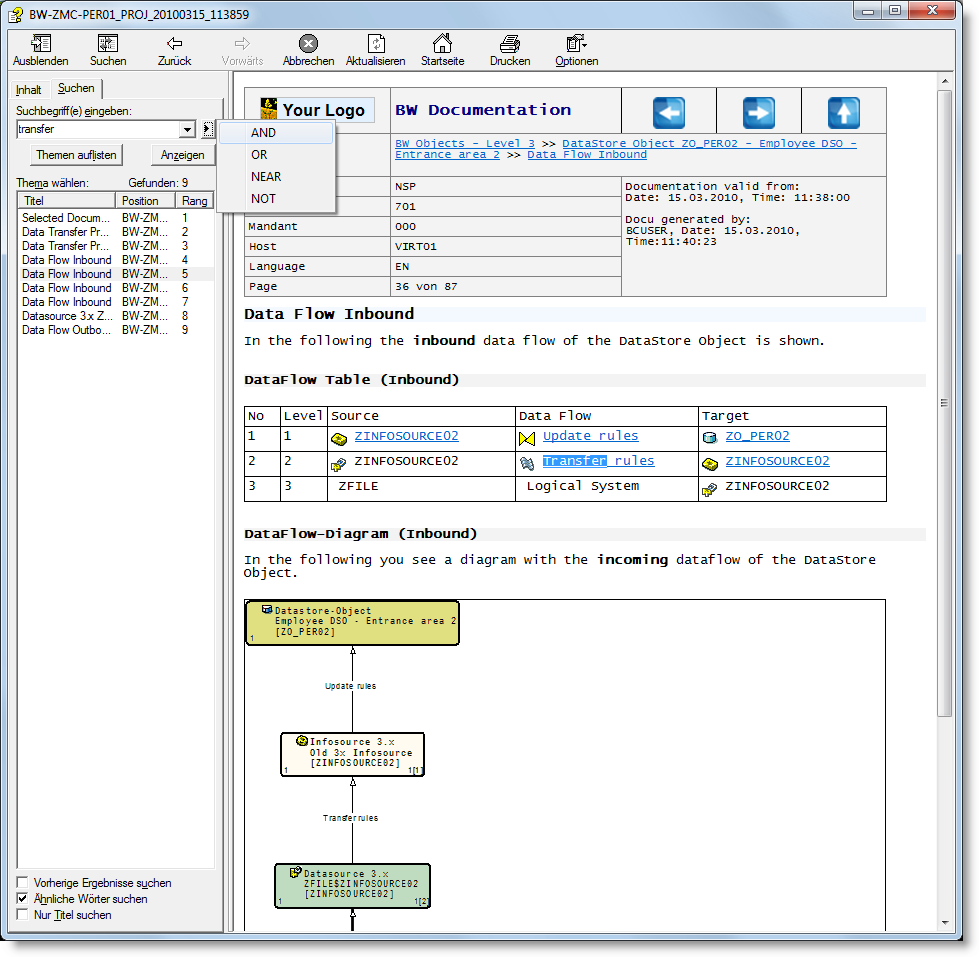
HTML-Help Format – Compact Help Format with Full Text Search